Assess displays, endpoints, content systems and connectivity
02
Deploy and configure devices for the site environment
03
Test operation, document handoff and support ongoing use
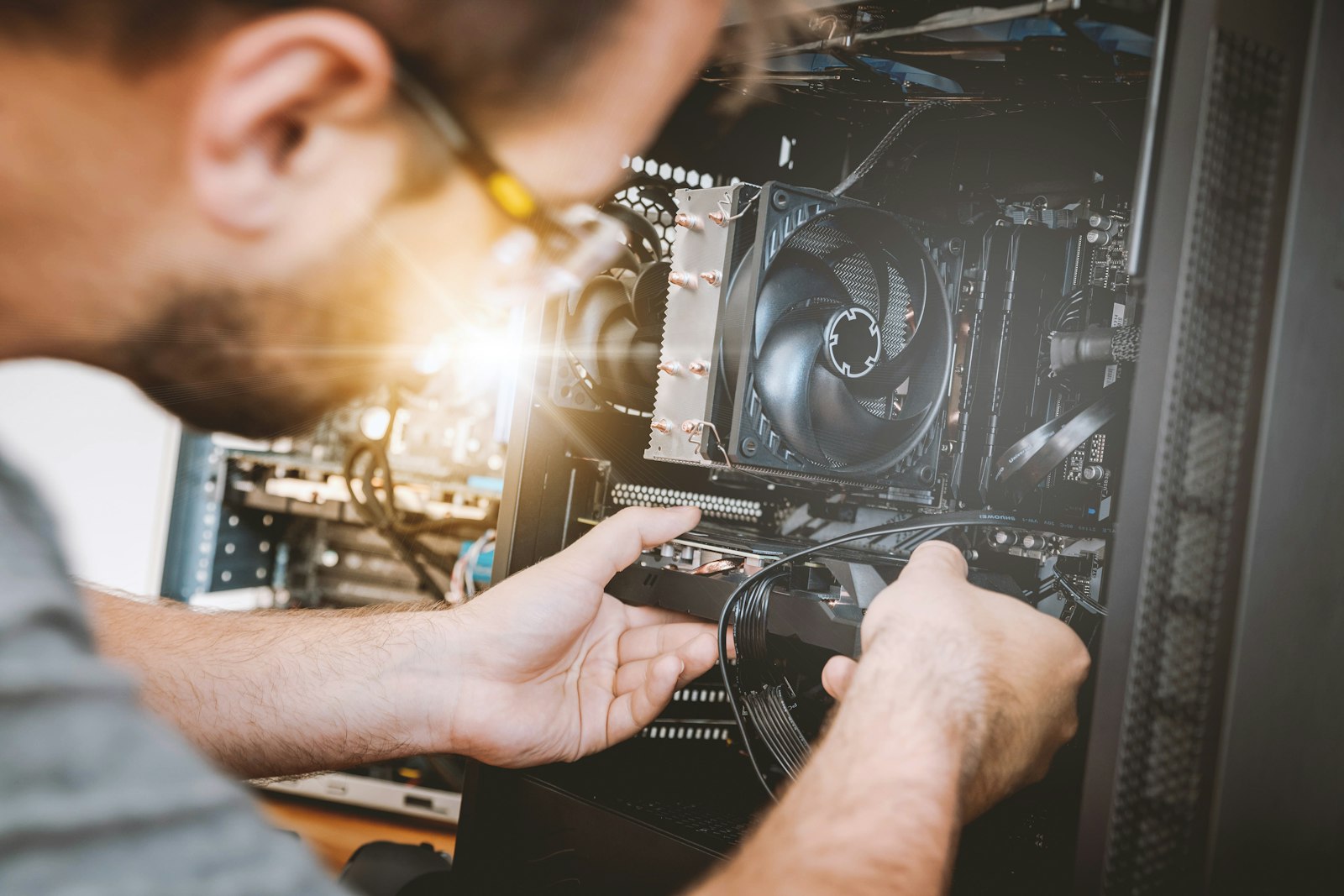
Kiosk troubleshooting for customer-facing hardware, peripherals, connectivity, software endpoints, and deployment issues.
What Rhumbu can handle
Kiosk hardware and touchscreen checks
Peripheral, connectivity, and endpoint troubleshooting
Functional testing and escalation for application or vendor-managed faults
How we support the work
We check the kiosk’s physical components, network path, and connected peripherals, then test the user-facing workflow and record any issues that need vendor follow-up.
Need help?
Tell us what technology is involved, what is happening, where the work is located, and how the issue affects your business. We will help determine the right next step.
A PRACTICAL NEXT STEP
Make your next IT decision with more confidence.
Let's talk about your business, your systems, and the outcomes you want.