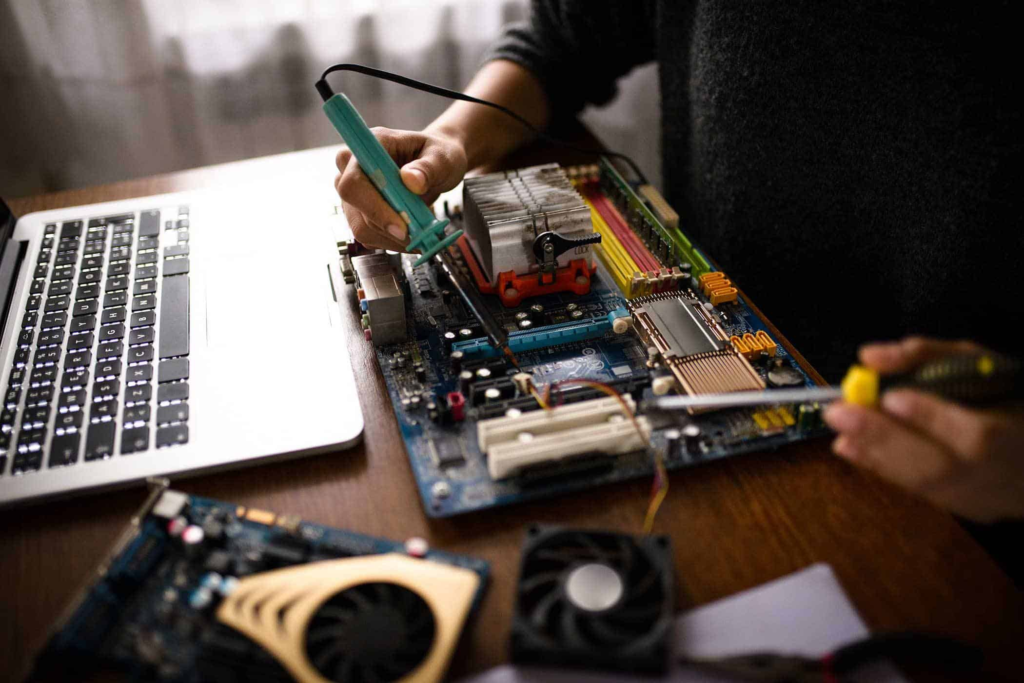
When your computer breaks down — slow performance, virus infection, hardware failure, or software issues — it’s natural to ask:
The answer depends on several factors: age of the computer, type of problem, cost of repair, and your specific needs.
1️⃣ Factors to Consider Before Repairing
🔹 Age of the Computer
Older than 5–6 years: Repair may cost nearly as much as replacement; parts may be obsolete.
Newer computers: Often worth repairing, especially if under warranty or high-end components are intact.
🔹 Type of Problem
Software issues: Usually inexpensive to fix; often worth repairing.
Hardware issues: Repairs like motherboard, CPU, or screen replacement can be costly. Evaluate cost vs replacement.
Data recovery: If critical files are involved, repair may be worth it even for an older machine.
🔹 Cost of Repair vs Replacement
Compare repair cost to the price of a new computer with similar specs.
Rule of thumb: If repair costs exceed 50% of replacement, buying new may be smarter.
🔹 Importance of Data
If important documents or business data are stored, repairing to recover data is often worth it.
2️⃣ Benefits of Repairing
Saves money if repair costs are reasonable
Preserves existing software and settings
Reduces environmental waste by extending the life of the device
Quicker than setting up a new computer in some cases
3️⃣ When Replacement Makes More Sense
Device is outdated and cannot run modern software efficiently
Repair costs exceed half of a new machine
Parts are hard to find or expensive
Frequent breakdowns indicate more repairs will be needed soon
4️⃣ DIY vs Professional Repair
DIY Repair
Works for minor software fixes or upgrades
Risks: accidental data loss, voiding warranty, hardware damage
Professional IT Repair
Ideal for hardware replacement, data recovery, or business-critical computers
Ensures reliable results and preserves data integrity
5️⃣ Local Green Bay Considerations
In Green Bay, WI:
Local providers like Rhumbu LLC can evaluate your computer and provide a transparent repair vs replacement quote
Remote support is often cheaper, but hardware issues require on-site visits
Business computers benefit from professional IT repair to minimize downtime
6️⃣ FAQ – Is It Worth It?
Q: Should I repair an old laptop?
Only if repair costs are low and the device still meets your needs. Otherwise, replacement may be smarter.
Q: Can repairing save money long-term?
Yes, especially for minor software or hardware fixes compared to buying new.
Q: What about business computers?
Professional repair is usually worth it to avoid downtime and data loss.
7️⃣ Conclusion
Repairing a computer is worth it when:
The device is relatively new
Repair costs are reasonable
Critical data is at stake
Software and settings are important
It may not be worth it if:
The device is very old
Repairs are expensive or parts are unavailable
Frequent failures suggest more problems will arise
✅ Local Tip: For businesses or personal computers in Green Bay, Rhumbu LLC offers transparent repair evaluations to help you decide whether repair or replacement is the best choice.