Skip to content
IT support built around your business
rhumbu.BUSINESS IT, CLEARLY

KIOSK INSTALLATION

Kiosk Installation

Coordinate self-service kiosk deployment with attention to placement, mounting, connectivity, peripherals, testing, and operational handoff.

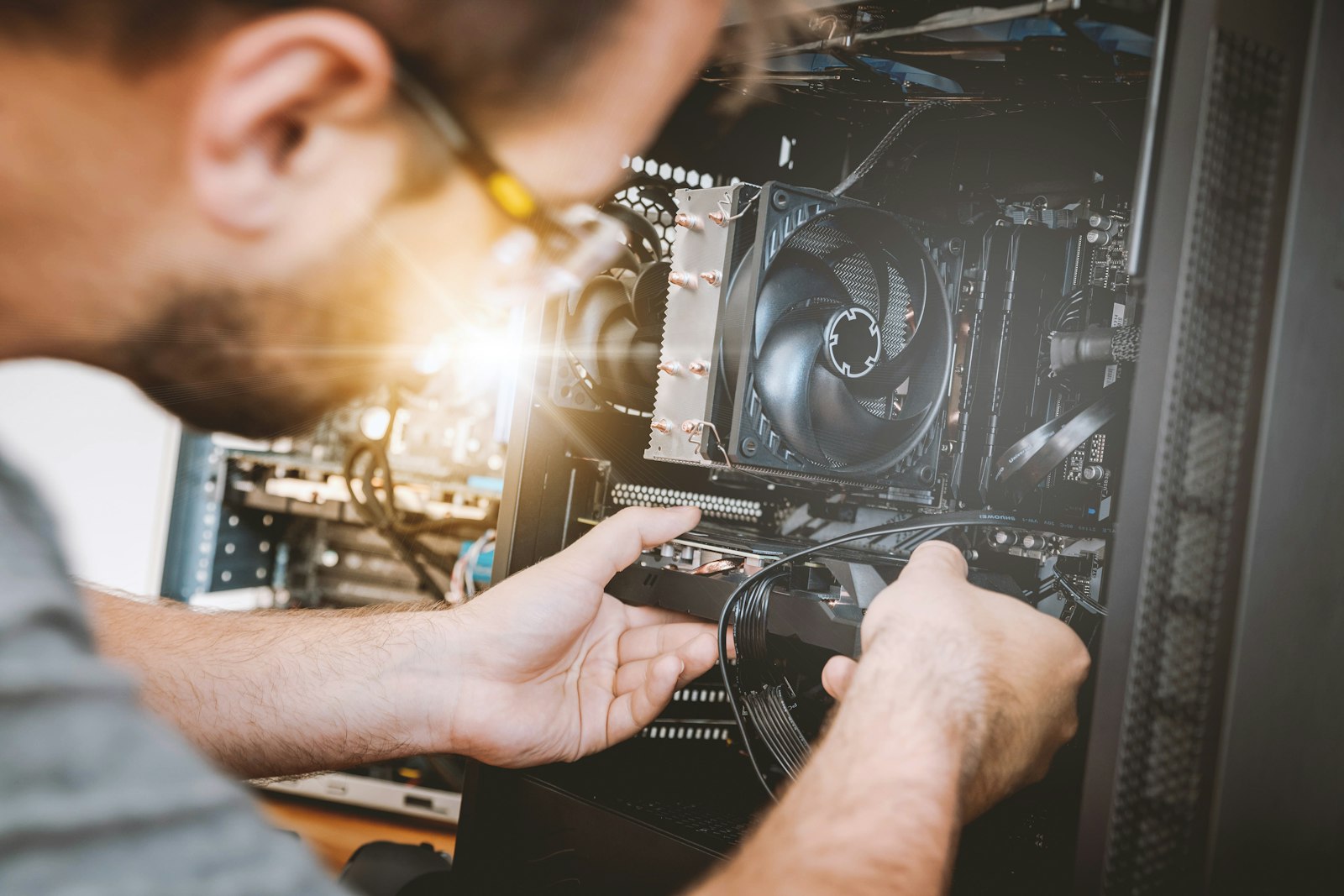
Technician deploying connected business technology
Technology, people & the work
01

Prepare site and equipment requirements

02

Install and validate connected devices

03

Document readiness and open issues

Technician deploying connected business technologyCONNECTED BUSINESS TECHNOLOGY

WHAT THIS LOOKS LIKE IN REAL LIFE

Good IT is people, technology and follow-through.

01

Assess displays, endpoints, content systems and connectivity

02

Deploy and configure devices for the site environment

03

Test operation, document handoff and support ongoing use

Kiosk installation and field deployment for self-service, check-in, ordering, retail, and customer-facing technology.

How we support kiosk installation

  • Coordinate kiosk location, mounting or stand requirements, power, network access, and site readiness.
  • Install kiosk hardware and supported peripherals, including scanners, printers, payment devices, or displays within the agreed scope.
  • Verify power, connectivity, peripheral detection, and the handoff to the kiosk software provider for application-level checks.

Consistent customer-facing setup

Rhumbu helps prepare kiosks for operational use through site coordination, equipment installation, and documented technical checks. Provider-managed software and payment functions are escalated to the responsible vendor.

Need help?

Tell us what technology is involved, what is happening, where the work is located, and how the issue affects your business. We will help determine the right next step.

A PRACTICAL NEXT STEP

Make your next IT decision
with more confidence.

Let's talk about your business, your systems, and the outcomes you want.

Start a conversation