Skip to content
IT support built around your business
rhumbu.BUSINESS IT, CLEARLY

SCANNER DEPLOYMENT

Scanner Deployment

Deploy business scanners and connected peripherals with consistent setup, configuration checks, workflow testing, and user handoff.

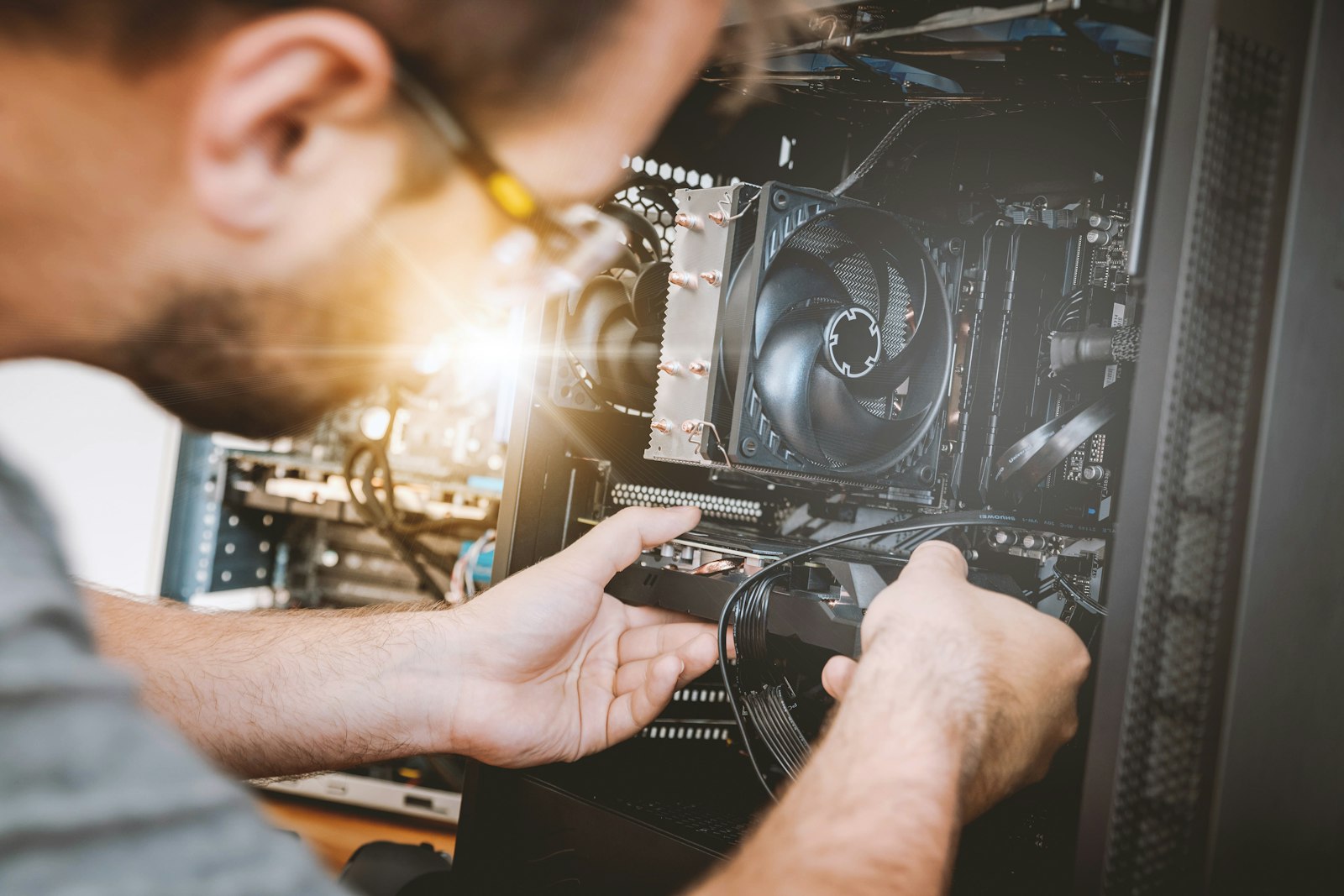
Technician deploying connected business technology
Technology, people & the work
01

Stage and configure scanner devices

02

Validate connectivity and application workflow

03

Document device assignment and readiness

Technician deploying connected business technologyCONNECTED BUSINESS TECHNOLOGY

WHAT THIS LOOKS LIKE IN REAL LIFE

Good IT is people, technology and follow-through.

01

Assess displays, endpoints, content systems and connectivity

02

Deploy and configure devices for the site environment

03

Test operation, document handoff and support ongoing use

Document and barcode scanner deployment for business workflows, including connectivity, drivers, configuration, and testing.

How we deploy scanners

  • Confirm scanner type, connection method, workstation requirements, and the intended capture workflow.
  • Install supported drivers and connect USB, network, or barcode devices according to the deployment plan.
  • Test sample scans and destination workflows, document configuration details, and flag application or permissions issues for the responsible team.

Scanners that fit the workflow

Rhumbu checks both device connectivity and the practical handoff into the business process. Application-specific changes are coordinated with the software owner or authorized administrator.

Need help?

Tell us what technology is involved, what is happening, where the work is located, and how the issue affects your business. We will help determine the right next step.

A PRACTICAL NEXT STEP

Make your next IT decision
with more confidence.

Let's talk about your business, your systems, and the outcomes you want.

Start a conversation