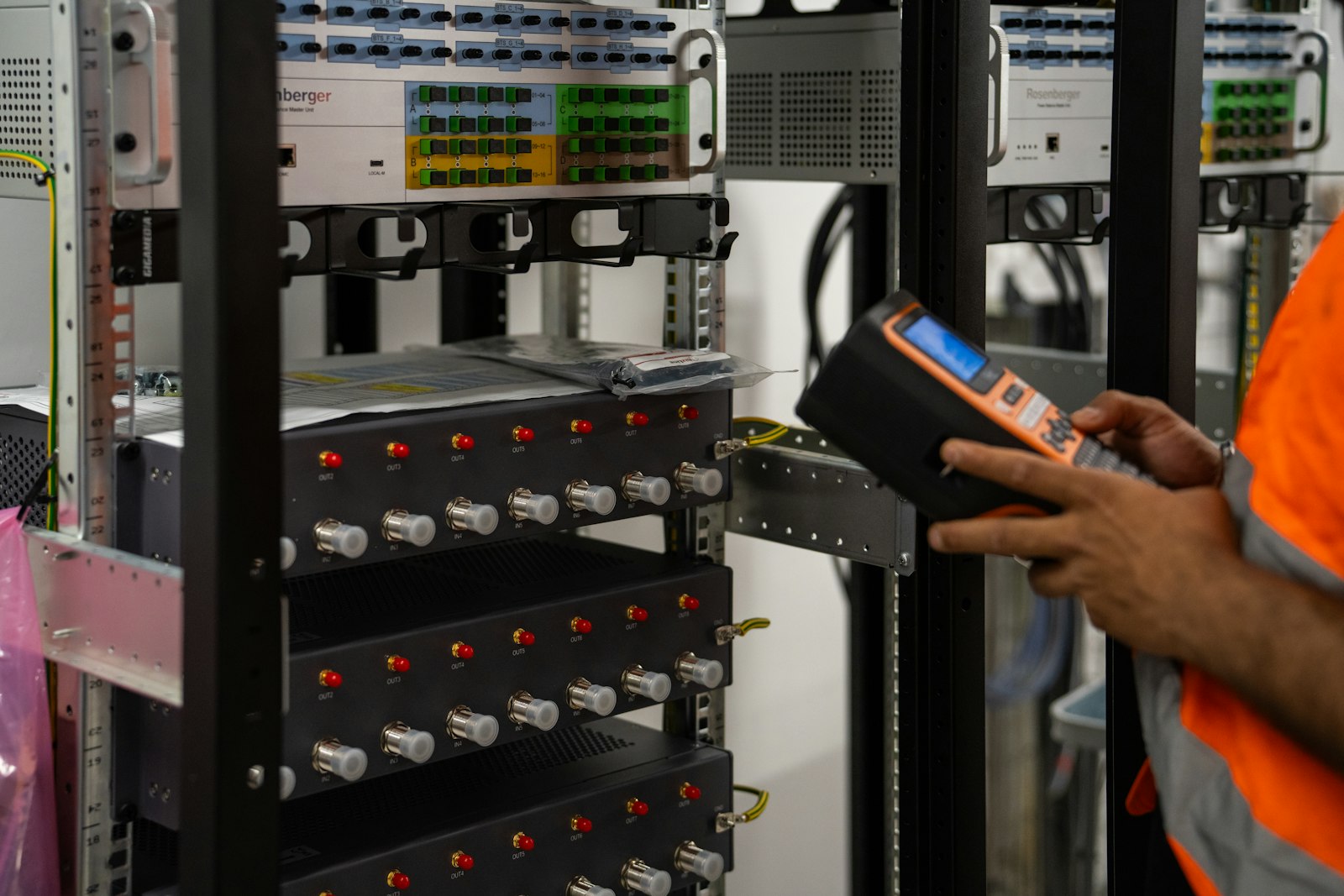
Business printer deployment, configuration, network setup, testing, and user handoff across offices and locations.
How we deploy business printers
- Prepare printer placement, power, network connectivity, consumables, and user or department requirements.
- Configure network settings and supported drivers or print queues, coordinating with the client’s IT administrator as needed.
- Test printing and scanning functions where applicable, confirm access for intended users, and document device details and open issues.
Ready for everyday printing
Rhumbu helps reduce deployment friction by checking the device, network path, and user workflow together. Vendor-specific or server-side changes are coordinated with the authorized administrator.
Need help?
Tell us what technology is involved, what is happening, where the work is located, and how the issue affects your business. We will help determine the right next step.